Tilt to read: the dead zone is the feature
DevelopmentFundamentalsProduct
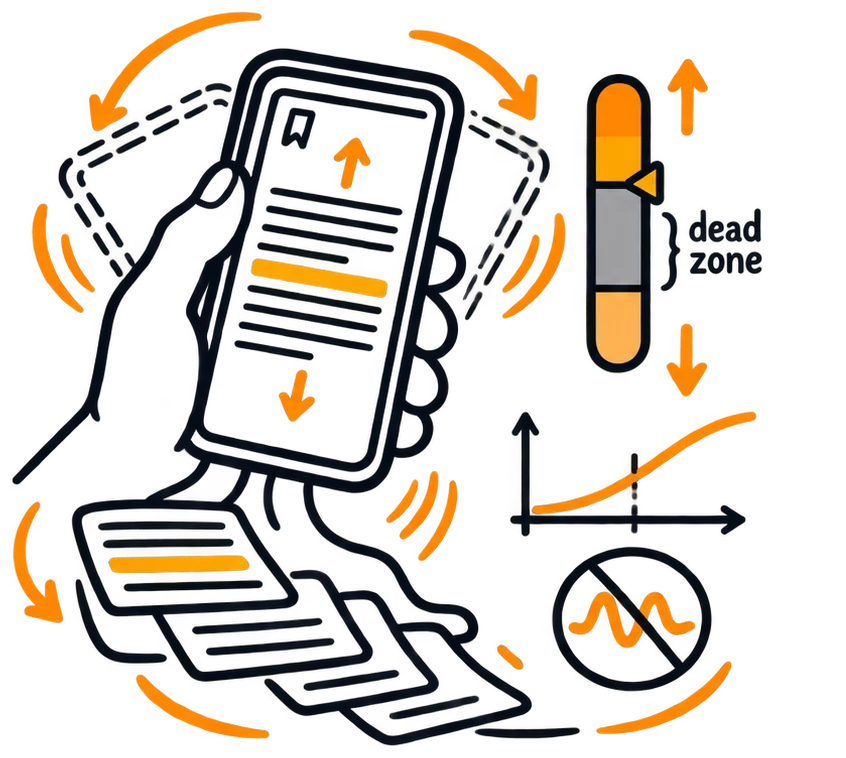
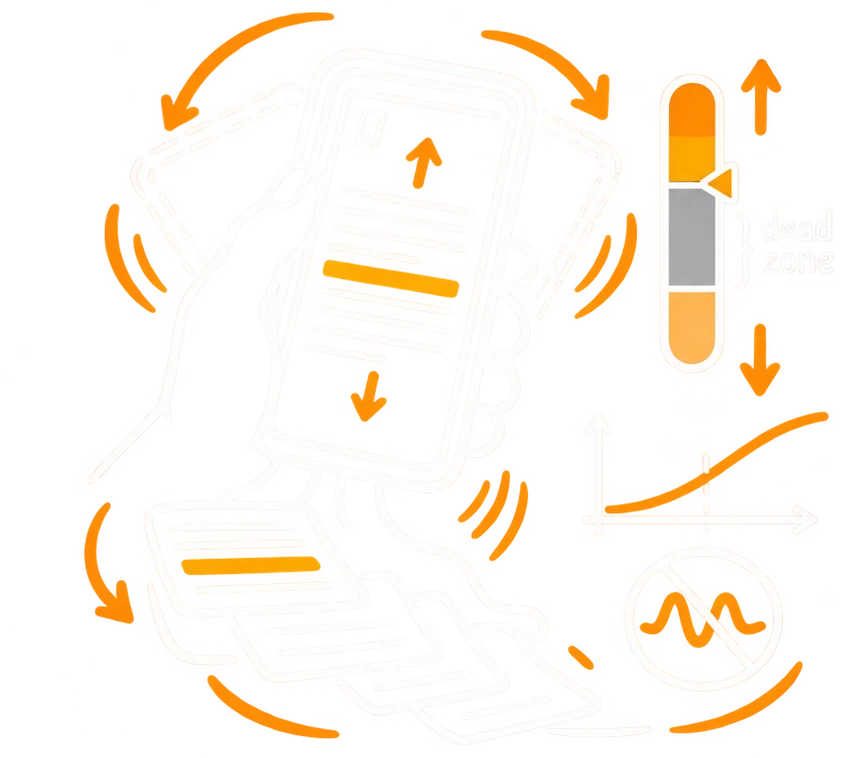
Hands-free scrolling for an Android e-book reader: raise the top of the phone to read forward, let it sag to go back, nothing tapped. The whole feature is a handful of thresholds expressed as data, plus a live instrument for tuning them on your own hand.
Play the demoSimulated hand on any device, or your phone's real motion sensor.
The input never switches off
A held phone is never still. The accelerometer reports tremor, breathing and the bus going over a bump, mixed with the one movement that means "scroll". The value of the feature is the decision about which part of that input counts, and the band where it does nothing at all.
The pipeline
One axis, five stages, 50 times a second.
A single accelerometer axis, the phone's pitch, is read as a fraction of gravity: 0 when flat, 1 when upright. An exponential filter smooths it. The result is compared with a stored baseline, the posture you calibrated. A jerk guard watches how fast the filtered value changes: a jolt is not a posture, so the output is forced to zero until the phone is back inside the dead zone.
The relative tilt is classified into five zones: reverse, dead, forward and two extreme caps. Outside the dead zone, the distance past its edge is normalised over the extreme zone and passed through a power curve, speed = k · tⁿ · max, so the exponent decides whether speed arrives at once or ramps up near the edge.
accelerometer→smoothing→tilt vs baseline→jerk guard→zones→power curve→scroll
- Pitch only, as a fraction of g
- Exponential smoothing
- Jerk guard
- Five zones
- Power curve per direction
Posture or tilt?
The feature has to decide when you moved, rather than tilted.
A variance window over the last 20 samples separates a deliberate change of posture, such as moving the arm or lying back, from a tilt. After a posture change and a short hold, the baseline is rewritten to the new position, so the new angle becomes neutral and scrolling waits for the next tilt.
Fourteen numbers, no code changes
Every threshold is a slider with a plain cause-and-effect hint.
Dead-zone width and offset, the extreme zone, smoothing, shake sensitivity, the re-centre delay, and a speed multiplier and curve for each direction. Presets are named, stored as JSON, and travel between devices as a QR code.
The hints are written as cause and effect, not definitions: "Bigger = you need to tilt more to start moving."
- Configurable zones
- Acceleration curves per direction
- Debounce and shake guard
- Named presets
- Preset transfer by QR code
Tuning needs a live instrument
The right value depends on the hand, the posture and the room, so it can only be tuned while it runs.
The calibration screen shows the whole chain at once (raw, filtered, relative, speed, jerk, zone and state), so when two stages disagree you can see which one is wrong. The dead zone is drawn on the live view and dragged, not typed.
What the numbers taught
Thresholds in units of gravity are a different angle at every posture: 0.05 g is about 3° when the phone is held low and about 12° when it is held upright, and past a certain angle forward is simply unreachable. A preset tuned in one posture doesn't transfer to another.
An offset larger than the dead zone's half-width puts the resting position outside the dead zone, and the page scrolls by itself. Smoothing and the shake guard fight each other: the guard reads the smoothed signal, so a very smooth filter also blunts it.
Page to page: reading without an end
Hold the tilt and the book keeps coming.
When scrolling reaches the end zone of what is loaded, the next chapters are loaded and scrolling continues without a break, with no page turn and no tap. Chapters that are far enough behind are unloaded, so memory stays flat however long you read. Going back works the same way in reverse. If you hold your position, you can scroll forever.
The end zones that lead into the next or previous chapter have their own speed limit, like speed bumps, so a fast tilt doesn't carry you past the start of a chapter. Each chapter also has empty space above its title and below its last line: opening chapter 5 puts you a little below the top of that space, and the space gives you time to react and stop the tilt before the next chapter starts.
- Next chapters loaded at the end zone
- Earlier chapters unloaded behind you
- Speed bumps at chapter boundaries
- Breathing space before and after each chapter
- Flat memory, endless scrolling
- Stack
- Kotlin · Android sensors · Jetpack Compose · DataStore · ML Kit (QR)